
Why Most Dilution Calculators Break Down in Real Labs
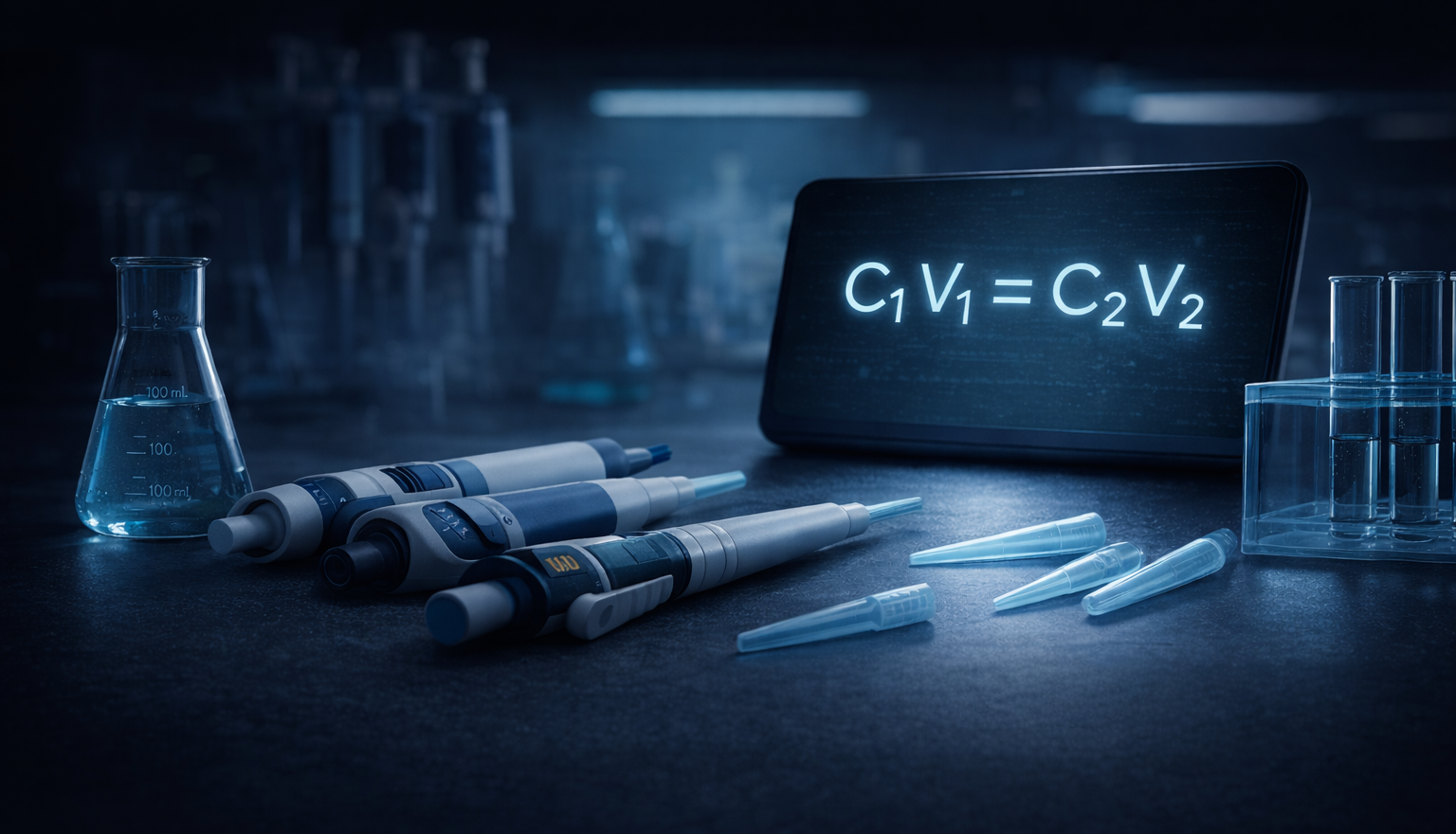
C₁V₁ = C₂V₂ is simple. Getting it right, at the bench, often isn’t.
Anyone who has spent time in a wet lab knows this disconnect. The math behind solution preparation is straightforward, taught early, and universally understood. Yet dilution errors remain one of the most common sources of wasted samples, failed experiments, and quiet second-guessing at the bench.
The problem isn’t the formula. It’s that most dilution tools stop at the formula.
Calculation Is Not the Same as Planning
Most dilution calculators are essentially digital scratch paper. You enter concentrations and volumes, and they give you a number. From there, the burden shifts back to you:
- Which pipette should I actually use?
- Is this volume realistic or pushing the pipette’s accuracy range?
- Do I need to plan intermediates?
- How should I round this without breaking the math?
- Can I execute this quickly and confidently while gloved up?
A calculator answers what the number is. A scientist needs to know what to do.
This is the difference between a calculation and a protocol.
Accuracy vs. Approximation
In real lab work, accuracy is not abstract. Pipettes have limits, resolution, and comfort zones. Anyone who has pipetted long enough knows that volumes at the extreme ends of a pipette’s range are technically possible but practically risky.
The pipette accuracy range problem
A P10 can technically deliver 10 µL — but at its absolute maximum, mechanical imprecision is magnified. A P20 delivering the same 10 µL is comfortably within its optimal range, with significantly better accuracy. Most calculators don’t know the difference.
Pipette resolution matters
Every pipette has a minimum increment — its resolution. A P200 rounds to the nearest 1.0 µL. A P1000 rounds to 10.0 µL. If your calculator returns 7.3 µL for a P200 transfer, the actual pipetted volume will be 7.0 µL. That rounding error propagates through every downstream step. A planning-oriented approach treats pipette resolution as a first-class constraint, not an afterthought.
Instrument-aware output
The output should not be a single number, but a set of actionable steps that respect the tools actually available in the lab. Volumes are chosen with instrument resolution and pipette accuracy range in mind, not just algebra.
That distinction matters more than it appears, especially when the dilution is expensive or irreversible.
The Serial Dilution Reality
Serial dilution is where many calculators reveal their limits.
When single-step math becomes unusable
If you ask a basic calculator for a million-fold dilution, it may happily return an impossibly small transfer volume. The math is correct, but the result is unusable. No pipette can deliver 0.005 µL.
The intermediate planning burden
The user is left to mentally design intermediate steps: pick a reasonable intermediate concentration, choose volumes for each stage, verify that both transfers fall within comfortable pipette ranges, and confirm the math still holds after rounding to pipette resolution.
In practice, that planning step is where most of the time is spent.
Automated serial dilution strategies
A protocol-driven tool recognizes when a single step is infeasible or inaccurate and automatically plans reasonable intermediate stages — evaluating multiple serial dilution strategies ranked by pipetting accuracy. For a working scientist, the value here is not in performing the multiplication; it’s in offloading the mental bookkeeping and reducing the chance of error.
UI Matters at the Bench
Many lab apps are designed for reference, not execution. Dense menus, small text, and multi-screen navigation work fine at a desk. They break down when you’re standing at the bench, wearing gloves, juggling tubes, and trying not to lose your place.
Bench-oriented design looks different:
- Large, readable text at arm’s length
- Screen stays awake while you work
- Minimal interaction once the protocol starts
- Clear step numbering and warnings
- No scrolling through irrelevant detail mid-task
These aren’t “nice to have” features. They’re signals that the tool was designed with real lab constraints in mind.
Privacy and Professionalism
Another difference between casual tools and professional utilities is their assumptions about connectivity.
In many academic and corporate labs, researchers are discouraged or explicitly prohibited from entering proprietary concentrations or experimental details into cloud-connected apps. Even when the data itself isn’t sensitive, the perception of risk is enough to keep people away.
Tools that run entirely offline, require no accounts, and collect no telemetry remove that friction. They behave more like trusted instruments than consumer apps, which matters in professional environments.
Who Are These Tools For?
General-purpose lab apps are incredibly useful. They’re often the first tools students encounter, and they cover a wide range of everyday needs.
But there’s a point in a scientist’s career where the question changes from:
“Can I calculate this?”
to:
“Can I trust this when it matters?”
High-stakes dilutions, expensive reagents, tight timelines, and downstream experiments amplify small errors. In those moments, scientists don’t want a generic answer. They want a protocol they can defend, reproduce, and execute with confidence.
From Calculator to Precision Utility
The core idea is simple:
- Calculators give numbers.
- Protocol engines give confidence.
A professional lab tool doesn’t try to do everything. It focuses narrowly on doing one job correctly, with transparent math and reproducible results.
That’s the gap LabCalcPro was built to fill.
Not as a replacement for every lab app, but as a precision utility: the tool you reach for when the dilution actually matters.
Stop second-guessing your dilutions.
Pipette-aware rounding. Serial dilution planning. Transparent math. Bench-ready steps.
Free download · 3-day trial · $5.99 lifetime unlock · No subscription